Phonemock — Free 3D iPhone Mockup Generator (All Models)
Free iPhone mockup generator · Runs in your browser · No account
See your app or design on iPhone. Before you ship.
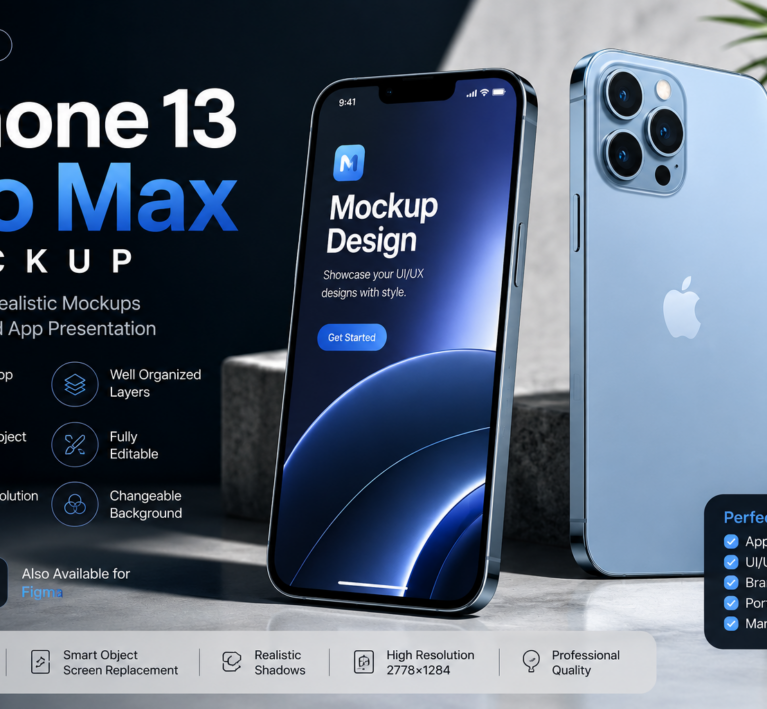
Phonemock is a free 3D iPhone mockup generator that lets you drop in a screenshot, wallpaper, or app design and preview it on every modern iPhone — from the X to the 16 Pro Max — in real 3D. Adjust the light, pick a color, and export a render you can use today.
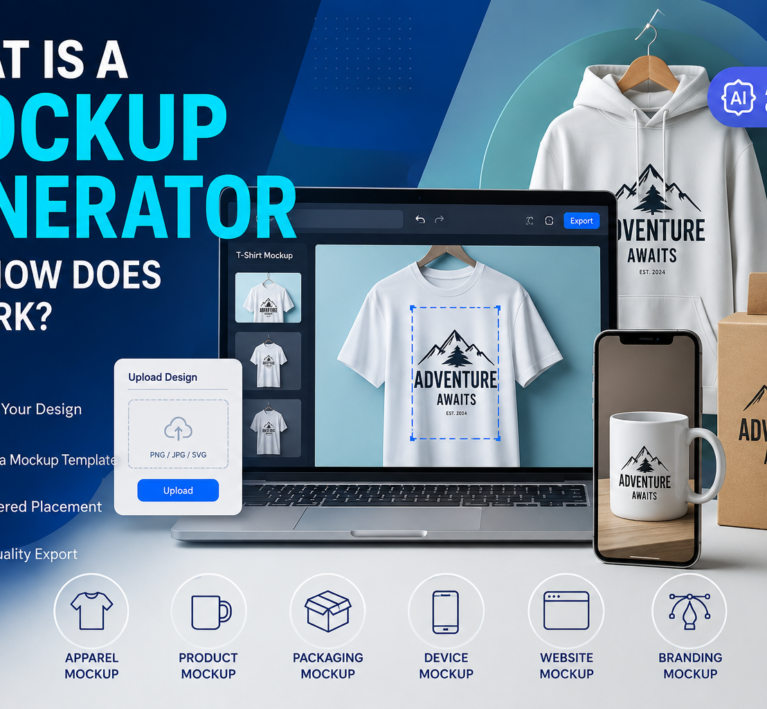
An iPhone mockup generator is a tool that places your app screenshot, wallpaper, or UI design onto a realistic three-dimensional model of an iPhone, then renders it under studio-style lighting so you can see exactly how it will look on a real device — before you ship or submit to the App Store.
Instead of a flat screenshot, a 3D iPhone mockup lets you rotate the phone a full 360°, see how your design looks with the notch or Dynamic Island, check the bezel proportions, and confirm colors and typography render beautifully in context. It replaces guesswork — and expensive photography — with an interactive preview you can inspect from every angle.
Phonemock builds that entire pipeline directly into your browser using WebGL 3D rendering, so there's no software to install and no design file to send anywhere. You upload an image, choose an iPhone model, and the mapping, lighting, and render all happen instantly on your own device.
Why designers and developers use one
Catch UI issues early. See how your app looks with the notch, Dynamic Island, or bezels before you ship.
Present with impact. Show your app or design in a realistic context for pitch decks, portfolios, or stores.
Compare models fast. Try the same design on iPhone 16, 15, 14, and SE in seconds instead of photographing each one.
Skip the studio. Get lighting, backdrop, and a 360° angle without a camera, a physical device, or a photographer.
Live Demo
Try it right here
No need to wait. Upload your design, pick an iPhone model, and see your mockup instantly.
IPHONE 16 PRO MAXROT 000°
🖱 Drag to rotate · Scroll to zoom · Pinch on mobile
Design applied
Process
Three steps to a render
No installs, no design software. Everything runs right in the browser tab you're in.
01 / UPLOAD
Drop in your design
Drag a screenshot, app design, or wallpaper onto the canvas. It maps straight onto the iPhone screen — no cropping or resizing needed first.
02 / POSE
Pick a model, spin it
Choose from 24+ iPhone models across six generations. Drag to rotate freely in 360° 3D space until the angle looks right.
03 / EXPORT
Dial in the scene, download
Adjust the studio light, pick the exact phone color, and download a PNG render ready to post, present, or share with your team.
Six generations
iPhone models you can mock up
Every model below is live in the tool above — pick one, upload your design, and it maps onto the screen automatically.
iPhone 16 Series
iPhone 16, 16 Plus, 16 Pro, and 16 Pro Max — featuring the Capture button, vertical cameras, and Desert Titanium.
iPhone 15 Series
iPhone 15, 15 Plus, 15 Pro, and 15 Pro Max — featuring the Dynamic Island, USB-C, and Titanium frames.
iPhone 14 Series
iPhone 14, 14 Plus, 14 Pro, and 14 Pro Max — the first generation to introduce the Dynamic Island on Pro models.
iPhone 13 Series
iPhone 13, 13 mini, 13 Pro, and 13 Pro Max — featuring smaller notches and improved camera bumps.
iPhone 12 Series
iPhone 12, 12 mini, 12 Pro, and 12 Pro Max — the first flat-edge design with 5G support and MagSafe.
Classic Models
iPhone 11, 11 Pro Max, SE, and X — for legacy device support, rounded edges, and the original notch.
Why it's easy
Built to get out of your way
The whole point is speed — see the iPhone, not the software.
Free, no watermark
Every render is yours at full resolution. No logo stamped across it, no paid tier hiding behind it.
No account needed
Open the tool and start dragging. There's nothing to sign up for and nothing saved on a server.
24+ phone models
Organized across six generations — from the iPhone X to the 16 Pro Max. Every official color is included.
Real lighting control
Move the studio light, change the backdrop, and tweak screen brightness until the shot matches your portfolio.
Runs on your device
The 3D scene and texture mapping happen entirely in your browser. Your design never leaves the tab.
Works on your phone
The same drag-to-rotate, pinch-to-zoom controls work on a laptop, tablet, or phone seamlessly.
Questions
Everything you'd want to check first
What exactly is Phonemock? +
Phonemock is a free, browser-based 3D iPhone mockup generator. You upload a screenshot, app design, or wallpaper, choose from 24+ iPhone models, and it places your design onto a realistic 3D iPhone — with the notch, Dynamic Island, and bezels — that you can rotate, light, and export as a PNG render.
Are all official iPhone colors available? +
Yes. When you select an iPhone model (e.g., iPhone 16 Pro Max), the tool automatically updates the color swatches in the sidebar to show only the official colors offered for that specific model (e.g., Desert Titanium, Natural Titanium, White Titanium, Black Titanium).
Can I export high-resolution renders? +
Yes. In the "Advanced 3D Controls" panel, you can toggle on "High-Res Export (2x)" to render and download your mockup at twice the standard resolution, perfect for retina displays and large presentations.
Does my artwork get uploaded to a server? +
No. The 3D scene, texture mapping, and rendering all happen locally in your browser using WebGL. Your design files never leave your device.
Which iPhone models are supported? +
Six generations covering 24 individual models: iPhone 16 (16, 16 Plus, 16 Pro, 16 Pro Max), iPhone 15 (15, 15 Plus, 15 Pro, 15 Pro Max), iPhone 14 (14, 14 Plus, 14 Pro, 14 Pro Max), iPhone 13 (13, 13 mini, 13 Pro, 13 Pro Max), iPhone 12 (12, 12 mini, 12 Pro, 12 Pro Max), and Classic (iPhone 11, 11 Pro Max, SE, X).
Ready when you are
Your design is ready to see on iPhone.
No installs. No sign-up. Just drag, spin, and download.